

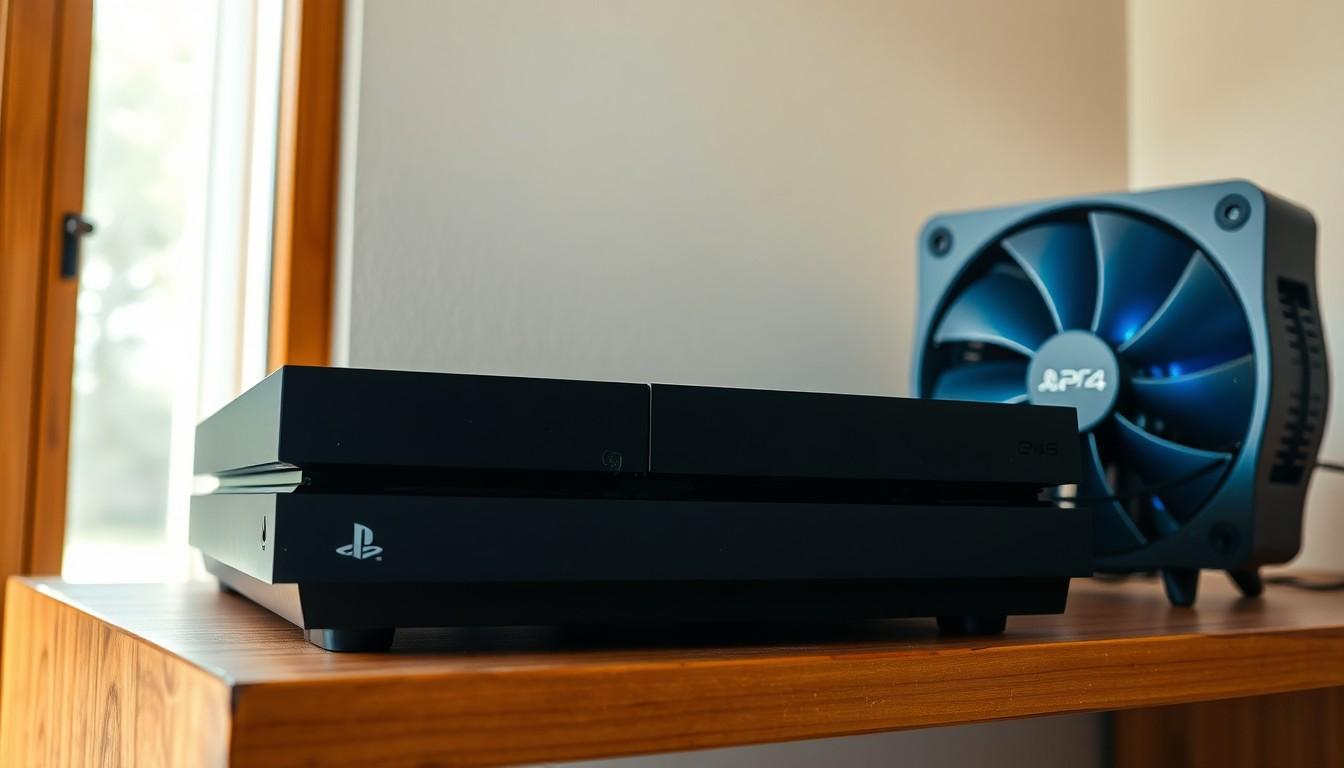
Picture this: it’s a Friday night, snacks are ready, and the controller is charged. But just as the epic gaming session kicks off, the dreaded warning appears—your PlayStation 4 is overheating. Suddenly, the excitement fizzles out faster than a soda left open overnight.
Overheating isn’t just a minor inconvenience; it’s a gaming crisis. This issue can turn your beloved console into a glorified paperweight. But fear not! With a little know-how and some simple tips, players can keep their PS4 cool and ready for action. Let’s dive into the world of overheating consoles and discover how to keep the heat at bay, ensuring those gaming marathons don’t end in disaster.
Overview of Playstation 4 Overheating
PlayStation 4 overheating presents a common issue among gamers. Excessive heat often leads to performance drops during gameplay. Players might notice games lagging or crashing unexpectedly. Prolonged overheating can cause hardware damage, resulting in costly repairs.
High ambient temperatures contribute significantly to this problem. Dust accumulation inside the console also exacerbates overheating issues. Blocked vents hinder airflow, trapping heat inside the device. Regular cleaning helps maintain optimal cooling performance.
Several signs indicate that a console may be overheating. Error messages may appear, or the system may shut down on its own. Fans can run excessively loud, signaling that the device is working hard to dissipate heat. Low-quality or poorly-ventilated surfaces further deteriorate a PS4’s cooling efficiency.
Implementing preventive measures can effectively address this issue. Keeping the console in a well-ventilated area significantly reduces heat build-up. Utilizing cooling stands or external fans provides additional airflow. Monitoring the environment’s temperature is also crucial.
Identifying these factors allows users to maintain their devices better. Understanding the impact of overheating encourages gamers to adopt proactive strategies. Maintaining regular console maintenance promotes longevity and enhances gaming experiences.
Causes of Playstation 4 Overheating

Understanding the causes of PlayStation 4 overheating helps gamers prevent these issues effectively. Identifying and addressing these factors ensures optimal console performance.
Dust Accumulation
Dust accumulation inside the console serves as a primary contributor to overheating. When dust collects on internal components, it obstructs airflow and traps heat, making cooling less effective. Regular cleaning of the console’s vents and internal components prevents dust buildup. Using compressed air for cleaning can remove dust without causing damage. Gamers should consider performing this maintenance every few months to maintain proper airflow.
Poor Ventilation
Poor ventilation exacerbates overheating problems significantly. If the console is placed in an enclosed space or surrounded by objects, it can’t dissipate heat effectively. Ensuring that the PlayStation 4 has enough space around it for airflow improves its cooling capabilities. Ideally, the console should rest on a hard, flat surface, at least a few inches away from walls and other devices. Allowing proper ventilation can help mitigate overheating occurrences during extended gameplay sessions.
Hardware Issues
Hardware issues also contribute to overheating concerns. Faulty cooling fans can fail to circulate air, leading to increased internal temperatures. Additionally, thermal paste degradation over time affects heat transfer from the CPU and GPU, causing overheating. Gamers should monitor fan performance and consider replacing faulty components when necessary. Identifying and repairing hardware issues prevents long-term damage and enhances gaming performance.
Symptoms of Playstation 4 Overheating
Recognizing the symptoms of PlayStation 4 overheating can help prevent serious damage to the console. Gamers should be aware of specific indicators that signal a need for intervention.
Console Shutdown
Unexpected shutdowns often occur when the console overheats. This safety measure protects the device from further damage. If the PlayStation 4 abruptly turns off during gameplay, it usually means internal temperatures have reached critical levels. It’s essential for gamers to pay attention to this symptom as it can lead to system malfunctions if ignored long-term.
Performance Lag
Experiencing performance lag is a common sign of overheating in the PlayStation 4. Processes slow down significantly, affecting gameplay quality. Noticeable delays in response times or stuttering graphics typically indicate that the console can’t cool down effectively. Frequent lagging during intense gaming sessions signals inadequate ventilation or possible hardware malfunctions. Monitoring the system for these performance issues can help gamers take early action to preserve the console’s longevity.
Prevention Tips for Playstation 4 Overheating
Implementing effective prevention tips can significantly reduce the risk of overheating for the PlayStation 4. Gamers can take proactive measures to ensure optimal performance.
Regular Cleaning
Regular cleaning plays a vital role in maintaining the PlayStation 4’s performance. Dust and debris accumulate quickly, obstructing airflow and trapping heat. To combat this, gamers should clean the console’s vents and external surfaces every few weeks. Using compressed air can help remove dust buildup inside the console without risking damage to internal components. Performing this maintenance task routinely helps keep temperatures in check, promoting better airflow and cooling efficiency.
Optimal Placement
Optimizing the placement of the PlayStation 4 is essential for preventing overheating. Gamers must ensure that there’s ample space around the console, allowing for proper ventilation. Avoiding enclosed spaces or tight-fitting shelves reduces the likelihood of heat buildup. Placing the console on a hard surface instead of soft fabrics also enhances airflow. Keeping the device away from heat sources, like radiators or direct sunlight, maintains a lower ambient temperature, further contributing to effective cooling.
Solutions for Playstation 4 Overheating
To tackle the issue of PlayStation 4 overheating, implementing effective solutions is essential. Addressing heat concerns directly enhances gaming performance and prolongs console life.
Thermal Paste Replacement
Thermal paste plays a crucial role in heat transfer between the CPU and cooler. Over time, this paste can degrade, leading to increased temperatures. Replacing the thermal paste can significantly improve cooling efficiency. Gamers should consider using high-quality thermal paste, ensuring proper application for optimal results. Performing this maintenance task every few years can help prevent overheating and maintain consistent performance. This replacement is particularly important for older consoles experiencing persistent overheating issues.
External Cooling Solutions
External cooling options provide additional support for your PlayStation 4. Cooling stands and external fans enhance airflow around the console. Placing a cooling stand under the console allows for better heat dissipation, especially during intensive gaming sessions. Using an external fan can help lower ambient temperature, reducing strain on internal components. These solutions are easy to implement and can prevent overheating while improving overall gaming experience. Investing in external cooling solutions effectively safeguards gaming devices from potential damage due to heat.
Conclusion
Addressing PlayStation 4 overheating is essential for maintaining optimal gaming performance. By implementing effective preventive measures and recognizing the signs of overheating, gamers can protect their consoles from potential damage. Regular cleaning and ensuring proper ventilation play crucial roles in prolonging the life of the device.
Additionally, utilizing external cooling solutions and monitoring hardware performance can significantly enhance the gaming experience. Taking proactive steps not only safeguards the console but also ensures uninterrupted gameplay. With the right care and attention, gamers can enjoy their PlayStation 4 without the frustration of overheating issues.


