

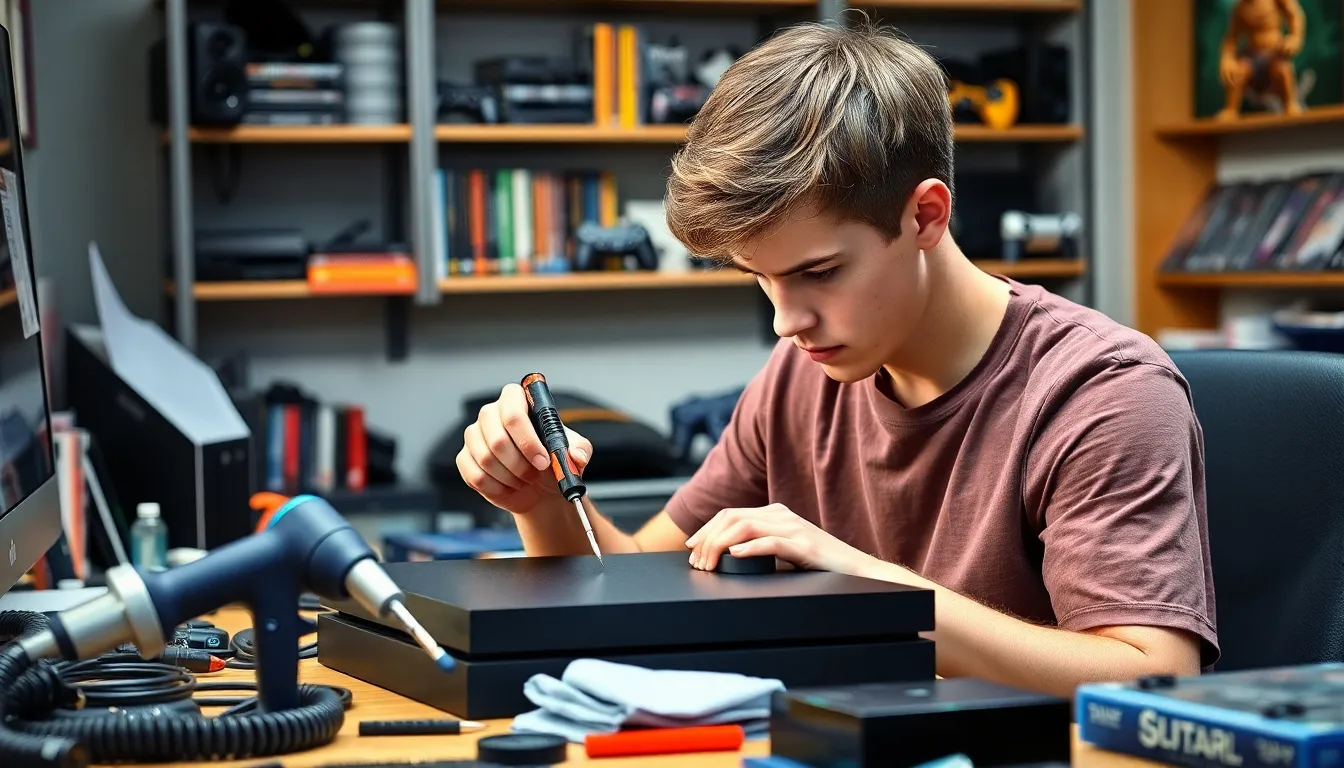
The PlayStation 4 has become a staple in the gaming world, captivating millions with its immersive experiences and vast library of titles. However, like any complex electronic device, it can encounter issues that disrupt gameplay. From the dreaded blue light of death to disc read errors, these problems can turn a gaming enthusiast’s dream into a nightmare.
Fortunately, PS4 repair is more accessible than ever. Whether opting for professional services or tackling minor repairs at home, gamers can find solutions to get their consoles back in action. Understanding common issues and repair options not only saves time but also ensures a smoother gaming experience. Dive into the world of PS4 repair and discover how to revive that beloved console.
Table of Contents
ToggleOverview of PS4 Repair
PS4 repair encompasses a range of services aimed at addressing common issues that can affect PlayStation 4 consoles. Major problems include the blue light of death, disc read errors, overheating, and software glitches. Each of these issues can significantly hinder gaming performance.
Common PS4 Issues
- Blue Light of Death
The blue light of death indicates a power supply failure. This can result from hardware malfunction or connection issues.
- Disc Read Errors
Disc read errors prevent games from loading. Causes often include scratches on game discs or a malfunctioning Blu-ray drive.
- Overheating
Overheating can lead to hardware failure. Blocked vents and accumulation of dust often contribute to excessive heat build-up.
- Software Glitches
Software glitches can disrupt gameplay. They typically occur due to corrupted data or outdated system software.
Repair Options
- Professional Services
Professional repair services offer expertise and specialized tools. Technicians can diagnose complex issues accurately and provide guarantees for their work.
- DIY Fixes
Many users opt for DIY fixes, which can be cost-effective. Common DIY methods include cleaning vents, replacing thermal paste, or updating software.
- Replacement Parts
Finding quality replacement parts helps restore functionality. Online retailers and repair shops provide necessary components for various PS4 models.
Importance of Timely Repair
Timely repair can prevent further damage, saving users money and extending the console’s lifespan. Addressing issues quickly ensures a smoother gaming experience and minimizes disruption. Seeking comprehensive repair options balances convenience and effectiveness for PS4 users.
Common PS4 Issues
Many gamers encounter specific issues with their PS4 consoles that can disrupt gameplay. Understanding these problems is essential for effective repairs.
Hardware Problems
Hardware problems can significantly affect the performance of a PS4. Common hardware issues include:
- Blue Light of Death: This error indicates a power supply failure. A blinking blue light typically represents an issue that requires immediate attention for repair.
- Disc Read Errors: These errors arise from scratched discs or malfunctioning drives. They prevent games from loading and can indicate a deeper hardware flaw.
- Overheating: Overheating occurs when vents get blocked by dust or debris. This issue may lead to console shutdowns and necessitates cleaning out vents to maintain optimal airflow.
- Controller Issues: Unresponsive or malfunctioning controllers may stem from battery or connectivity problems. Users often benefit from troubleshooting connections or replacing batteries.
Software Issues
Software issues can also hinder the functionality of a PS4. Key software problems include:
- System Updates: Failed updates can cause performance issues. Regular updates help fix bugs and enhance system stability.
- Corrupted Data: Corrupted data can lead to game crashes or freezing. Deleting and reinstalling affected games may resolve the issue.
- Account Access Issues: Problems logging into PlayStation Network can stem from account settings or server outages. Users should verify their login details and check the server status.
- Game-Specific Glitches: Certain games may experience glitches that affect gameplay. Patches from game developers often provide fixes for these specific issues.
Addressing both hardware and software problems promptly ensures an uninterrupted gaming experience on the PS4.
DIY PS4 Repair Tips
DIY repairs can save time and money. Understanding the necessary tools and following a clear process simplifies the repair experience.
Tools Required
- Screwdrivers: Use Phillips and Torx screwdrivers for opening the console.
- Plastic Pry Tools: Prevent damage when prying open the casing.
- Heat Gun: Use for loosening adhesive on stuck components.
- Thermal Paste: Apply to the CPU and GPU when reassembling to enhance heat dissipation.
- Compressed Air: Clean dust from vents and internal components effectively.
- Microfiber Cloth: Wipe surfaces and components without causing scratches.
Step-by-Step Repair Guide
- Power Off: Turn off the PS4 and unplug all cables.
- Remove Screws: Unscrew the outer casing with the Torx screwdriver, removing all necessary screws.
- Open the Console: Use plastic pry tools to gently lift the casing without damaging it.
- Inspect Components: Check for visible signs of damage or dust buildup around the fan, power supply, and hard drive.
- Clean Internals: Use compressed air to clear dust, especially around the cooling fan and heatsinks.
- Replace Thermal Paste: Remove the heatsink, clean old thermal paste with isopropyl alcohol, and reapply new thermal paste before reassembling.
- Fix Disc Drive Issues: For disc read errors, check for dirt on the lens, or replace the drive if necessary.
- Reassemble the Console: Carefully put the casing back together, ensuring all components are aligned correctly and screws are securely fastened.
- Test Functionality: Plug in and power on, checking for any remaining issues.
Professional PS4 Repair Services
Professional PS4 repair services provide expertise for various console issues. These services prioritize diagnostics and repairs that are often difficult for individuals to perform.
Common Problems Addressed
- Blue Light of Death: Technicians quickly assess power supply failures and motherboard issues.
- Disc Read Errors: Experts examine the disc drive for scratches and clean internal components to restore functionality.
- Overheating: Professionals clean blocked vents and replace thermal paste to improve airflow and cooling.
- Software Glitches: Service providers restore corrupted data and resolve failed updates through specialized tools.
Advantages of Professional Repair
- Expertise: Technicians possess extensive knowledge, ensuring accurate diagnostics and repairs.
- Time Efficiency: Professionals complete repairs quickly, allowing gamers to return to their hobby without lengthy downtime.
- Warranty and Guarantees: Many services offer warranties on repairs, providing peace of mind regarding the work performed.
How to Choose a Repair Service
- Research: Check reviews and ratings for various repair services in the local area.
- Certifications: Opt for services with certified technicians experienced in PS4 repairs.
- Cost Estimates: Obtain quotes and compare pricing before making a decision to ensure affordability.
Potential Risks of DIY
- Inexperience: Lack of experience can lead to improper handling, causing further damage.
- Warranty Voids: Attempting DIY repairs may void any existing warranties, leading to additional costs.
Utilizing professional PS4 repair services ensures effective resolution of ongoing issues while preserving the console’s longevity.
Cost of PS4 Repair
Cost varies for PS4 repairs depending on the issue and service chosen. Understanding these costs can help in making informed decisions about repairs.
| Repair Type | Average Cost |
|---|---|
| Blue Light of Death Repair | $100 – $200 |
| Disc Read Error Fix | $50 – $120 |
| Overheating Solutions | $60 – $150 |
| Software Glitch Resolution | $30 – $100 |
| Controller Replacement | $30 – $60 |
| DIY Repair Kits | $20 – $50 |
Professional services tend to charge more due to their expertise and the guarantee that comes with the repair. For instance, a blue light of death repair often costs between $100 and $200, reflecting the complexity involved in diagnosing power supply issues. Conversely, DIY fixes, such as those for software glitches or disc read errors, are more budget-friendly, ranging typically from $20 to $120.
When considering cost, it’s essential to account for potential shipping fees if sending the console to a repair service. Researching multiple providers can also yield competitive pricing options. Overall, the investment in repair services, whether professional or DIY, can extend the life of the console, enhancing the overall gaming experience.
Addressing PS4 issues promptly can significantly enhance the gaming experience. Whether opting for professional repair services or tackling DIY fixes, understanding the common problems and their solutions is crucial. By investing time and resources into repairs, gamers can prolong the life of their consoles and maintain optimal performance.
Choosing the right repair method depends on individual preferences and comfort levels with technology. Professional services offer expertise and reliability while DIY options can be cost-effective and empowering. Ultimately, staying informed about potential issues and repair strategies ensures a smoother gaming journey.


